


Magic Wand
Shortcut: W
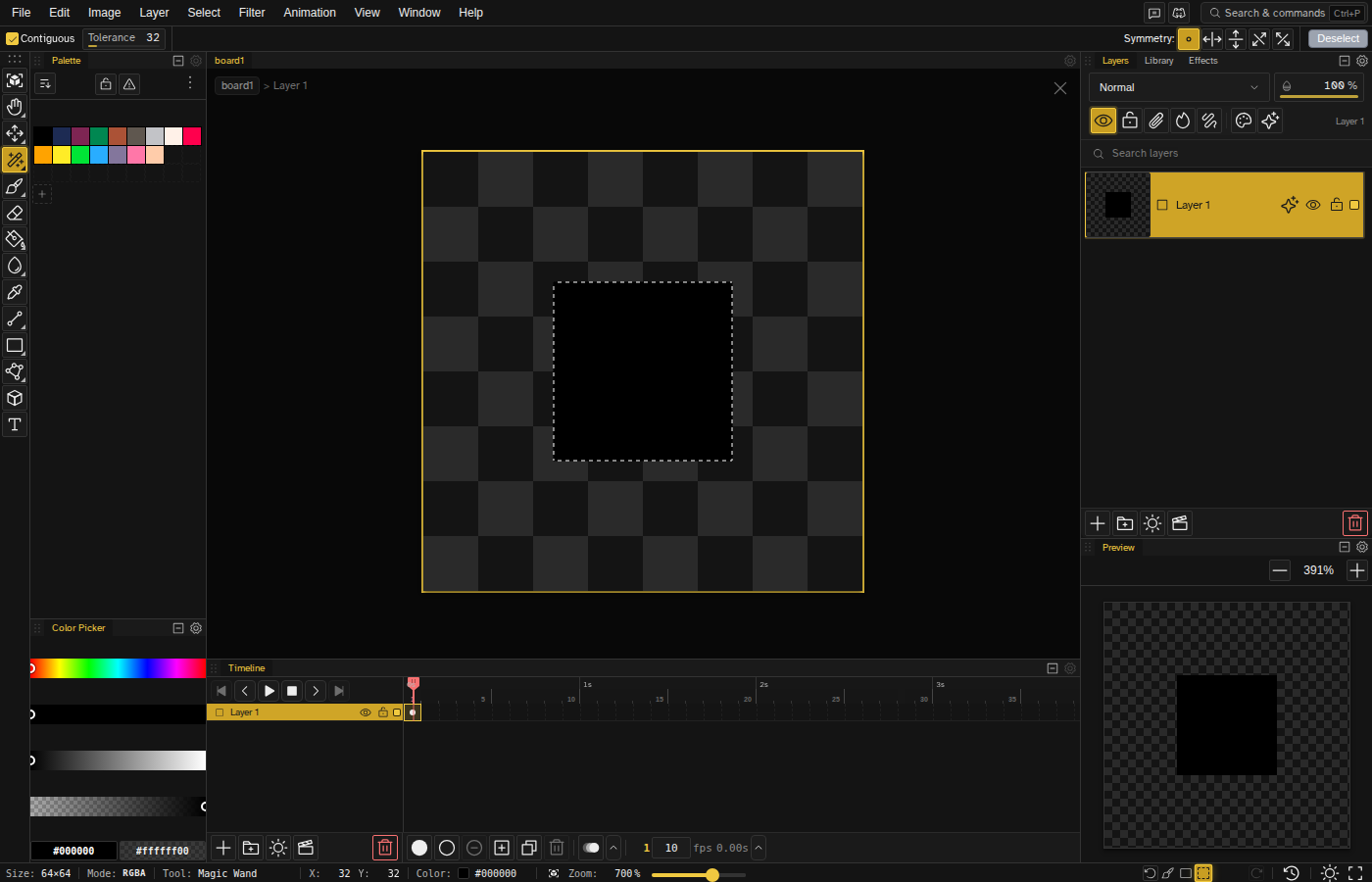
The Magic Wand selects contiguous areas of similar color. Click on any pixel, and all connected pixels of that color are selected.
Basic Usage
Click on any pixel to select all connected pixels of the same color. The selection spreads outward until it hits pixels of different colors.
Tolerance
Tolerance controls how similar colors must be to be included in the selection. It runs from 0 to 255 and starts at 32.
- 0 — Exact color match only
- Higher values — Include similar colors within the tolerance range
Adjust tolerance:
- D + drag — right or up increases, left or down decreases
- Ctrl + scroll wheel
- Tool options panel
Contiguous vs Non-Contiguous
- Contiguous (default) — Only selects connected pixels
- Non-contiguous — Selects all matching pixels on the layer, even if separated
Modifiers
- Shift + click — Add to selection
- Altor Right Click + click — Subtract from selection
- Shift+Altor Shift+Right Click + click — Intersect with selection
- Hold any of these and drag to sweep several color regions into the result in one motion
Tips
- Use with tolerance 0 for pixel-perfect selections in indexed color work.
- Great for selecting backgrounds or flat-colored areas quickly.
- After selecting, invert ( Ctrl+Shift+I ) to select everything except that color.