


LibreSprite Alternative
Free, modern, and it opens your .ase files.
LibreSprite kept Aseprite's last open source version alive, and that matters. But the fork is built on 2016 code, and features like tweening, adjustment layers, and a modern tablet workflow never arrived. Novaboard is also free, runs in your browser with nothing to build or install, and opens your .ase and .aseprite files.
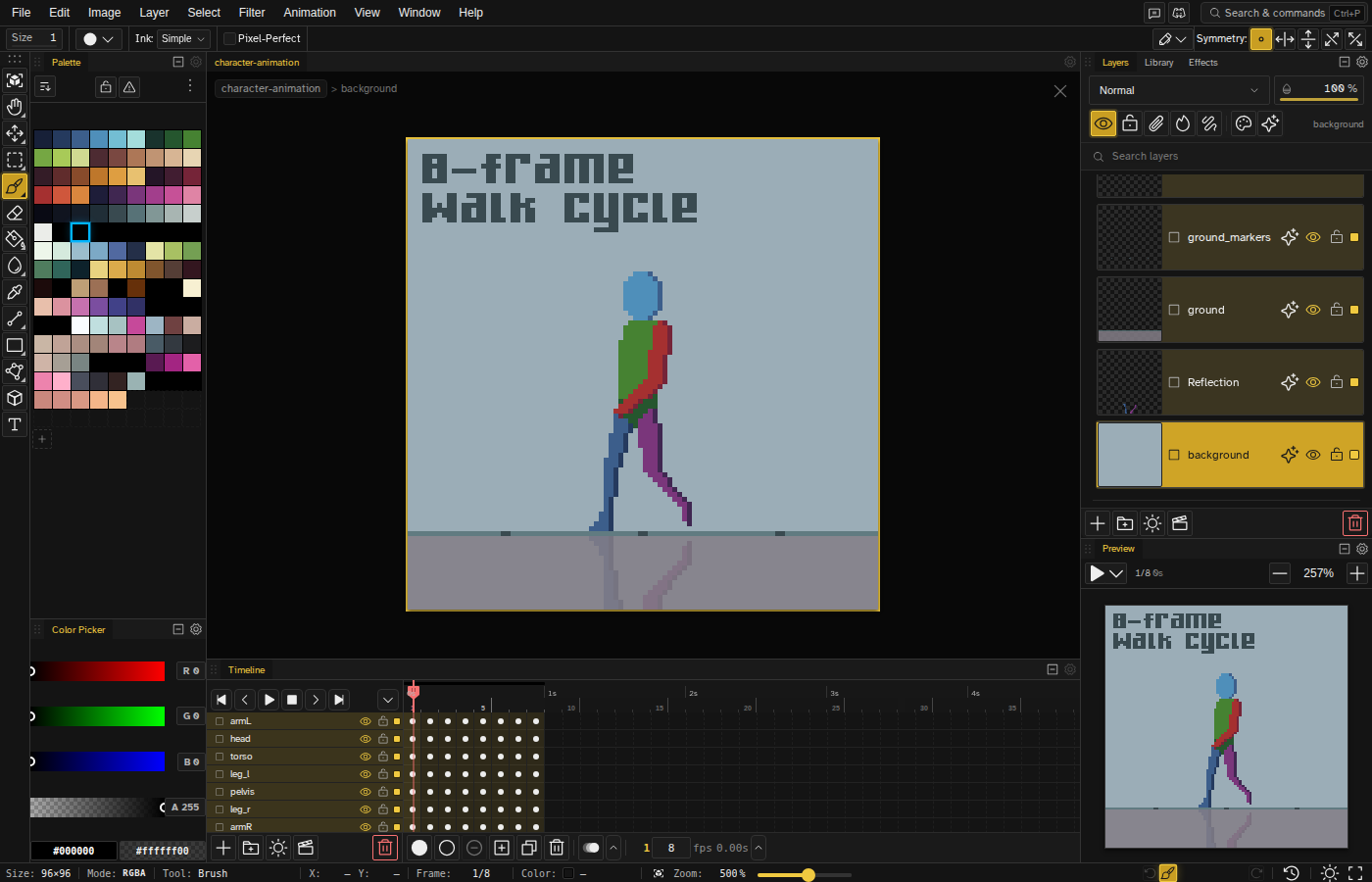
Your .ase and .aseprite files open here
Files saved as .ase or .aseprite import with layers, frames, and tags intact, and export back to .aseprite when you are done. Nothing you made in LibreSprite gets left behind.
The features the fork never got
Tweening between keyframes, reusable animated clips, adjustment layers, and a visual history with branches. A decade of pixel art workflow ideas that 2016 code was never going to grow.
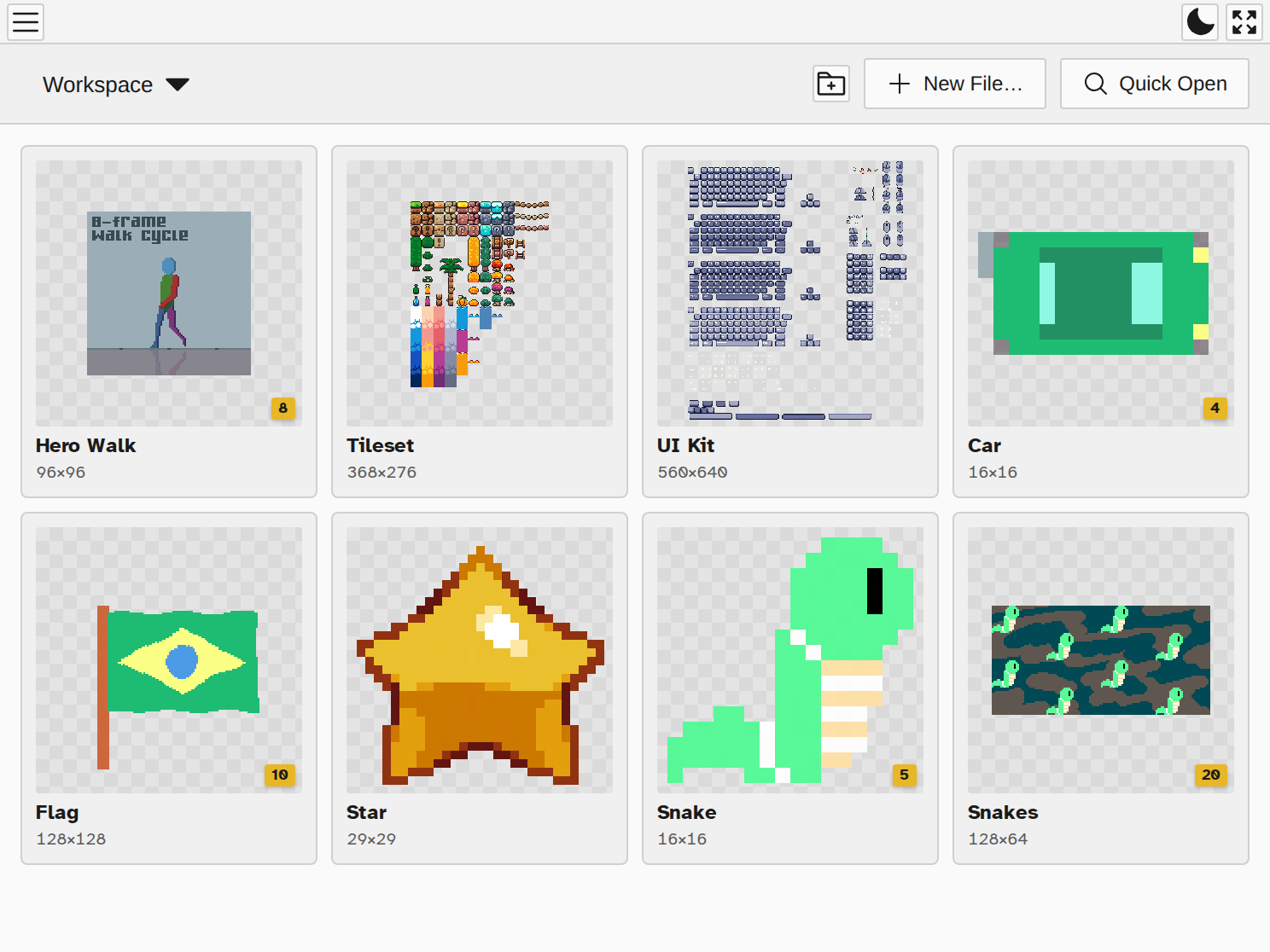
Nothing to download, nothing to install
Novaboard is a URL: the same full editor on Windows, Mac, Linux, Chromebooks, and tablets, with your files staying on your device. Open the tab and draw.
Free stays free
The web editor is free with no account and no ads. If you chose LibreSprite because pixel art tools should be accessible to everyone, that principle holds here.