


Pixel Art on Mac
A free pixel art editor for Mac, in your browser.
Pixen stopped updating, PikoPixel spent a decade in beta, and Windows classics like GraphicsGale never crossed over. Aseprite is the paid native option; Novaboard is the free one with nothing to install. It runs in Safari or Chrome on any Mac, Apple Silicon included.
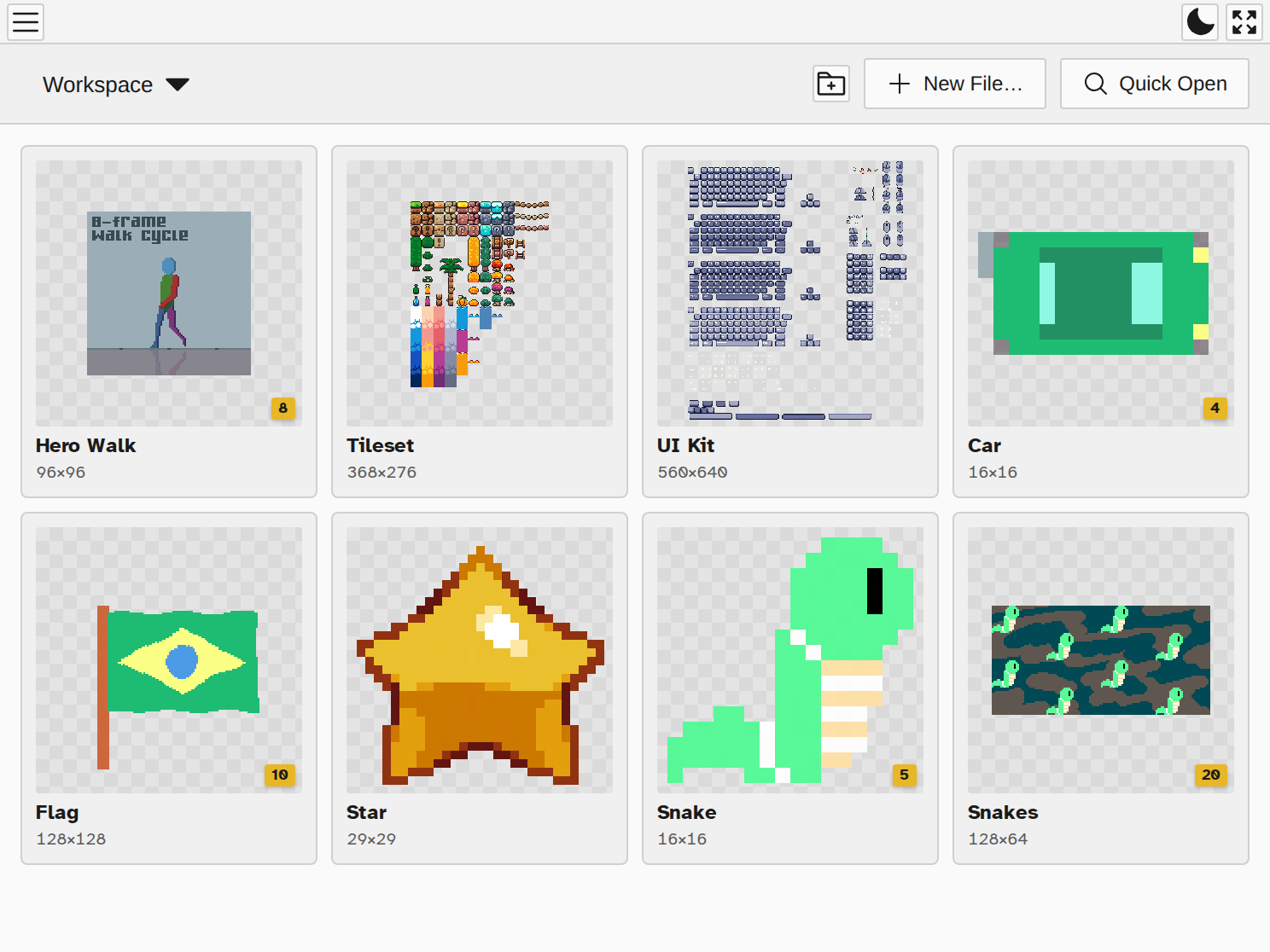
Open every pixel art format on your Mac
GraphicsGale .gal files, Pyxel Edit tilesets, Piskel sprites, and Aseprite projects: nearly 30 formats open directly, layers and animations intact, in one free app. The Windows-only back catalog of pixel art finally works on your Mac.
A full animation studio in a tab
Frame-by-frame animation with a timeline, onion skinning, tweening, and live preview, plus one-click export to GIF, MP4, or sprite sheets. No Rosetta, no compatibility layer, no beta that never ships.
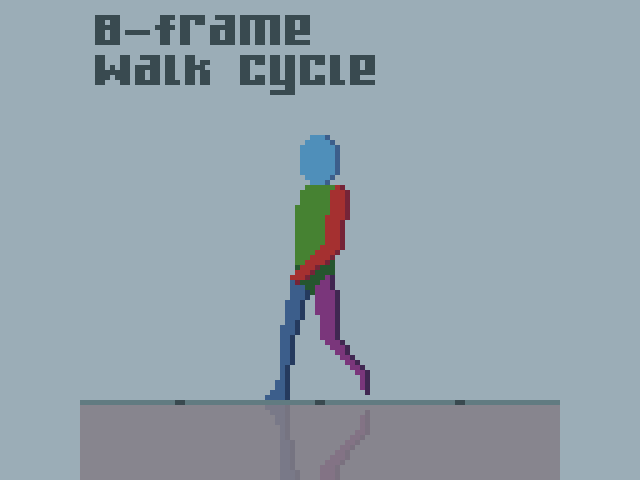
Works offline, saves to your Mac
Your boards save automatically to your device and the editor keeps working without a connection. No account, no cloud dependency, and nothing to lose when an app store listing goes stale.
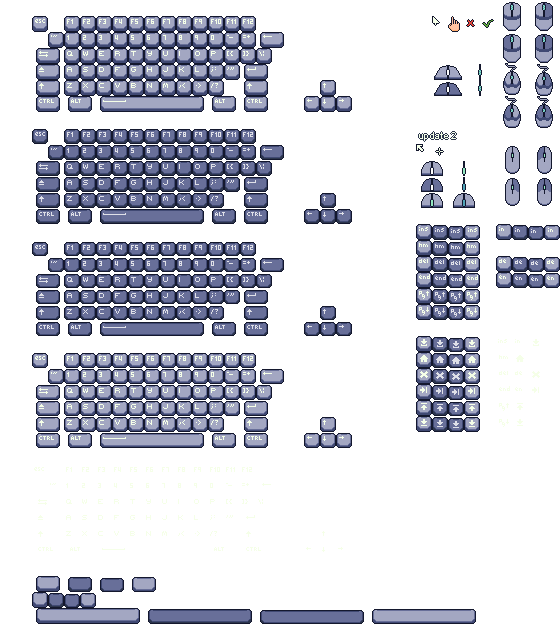
One workspace for whole projects
Characters, tiles, and UI side by side in one project, with workspaces to organize them. Built for trackpads and drawing tablets alike.