


Aseprite Alternative
A free Aseprite alternative. Open your files, skip the install.
Aseprite is great software, and if you live in it every day, keep it. But when you want to draw on a Chromebook, open an .aseprite file someone sent you, or just try a pixel art editor without installing anything, Novaboard runs free in your browser.
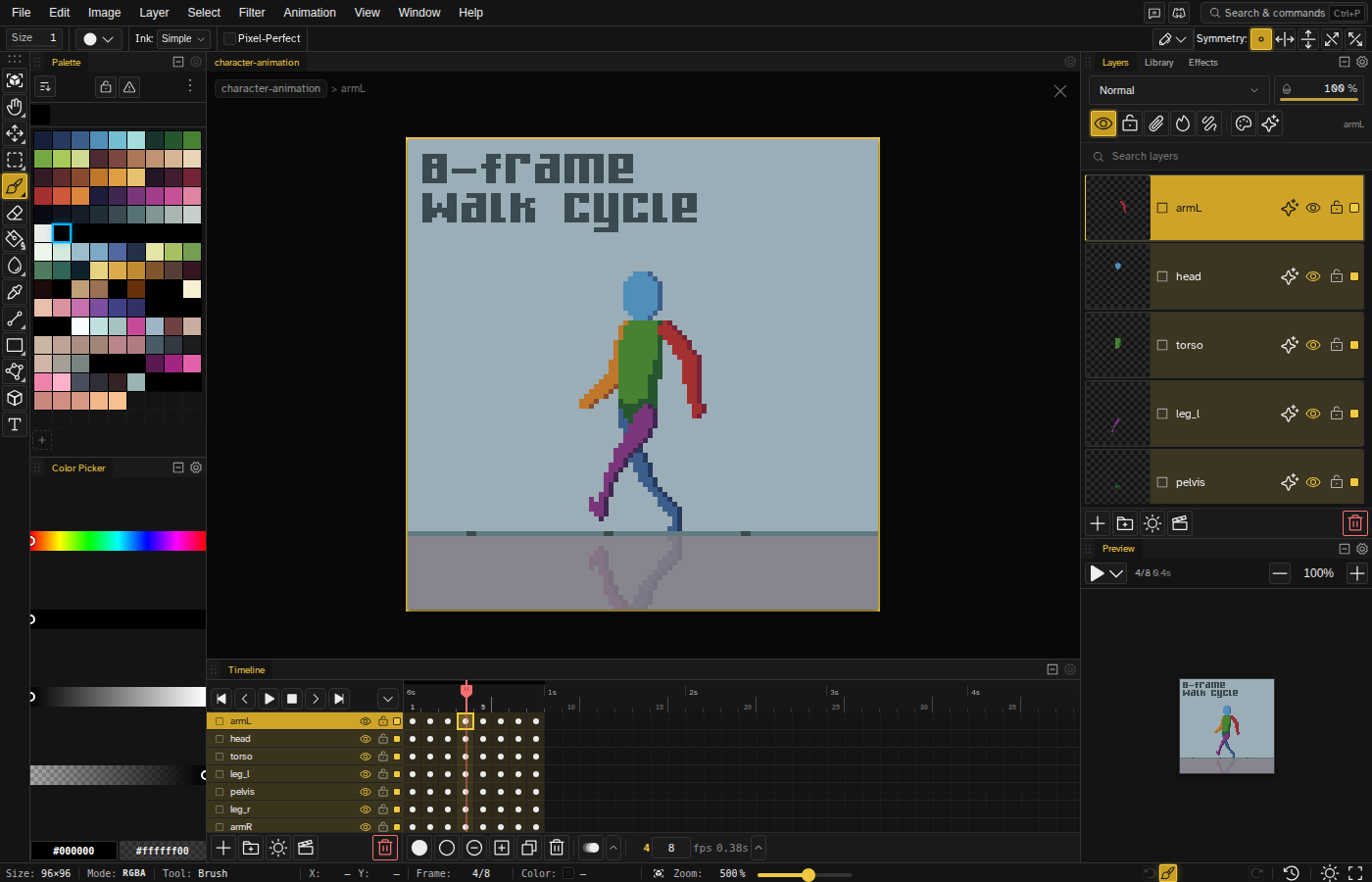
Import .aseprite files, layers and all
Drop an .aseprite file into Novaboard and it opens with layers, frames, and animation tags preserved. No export dance, no flattened image, your file as you left it.
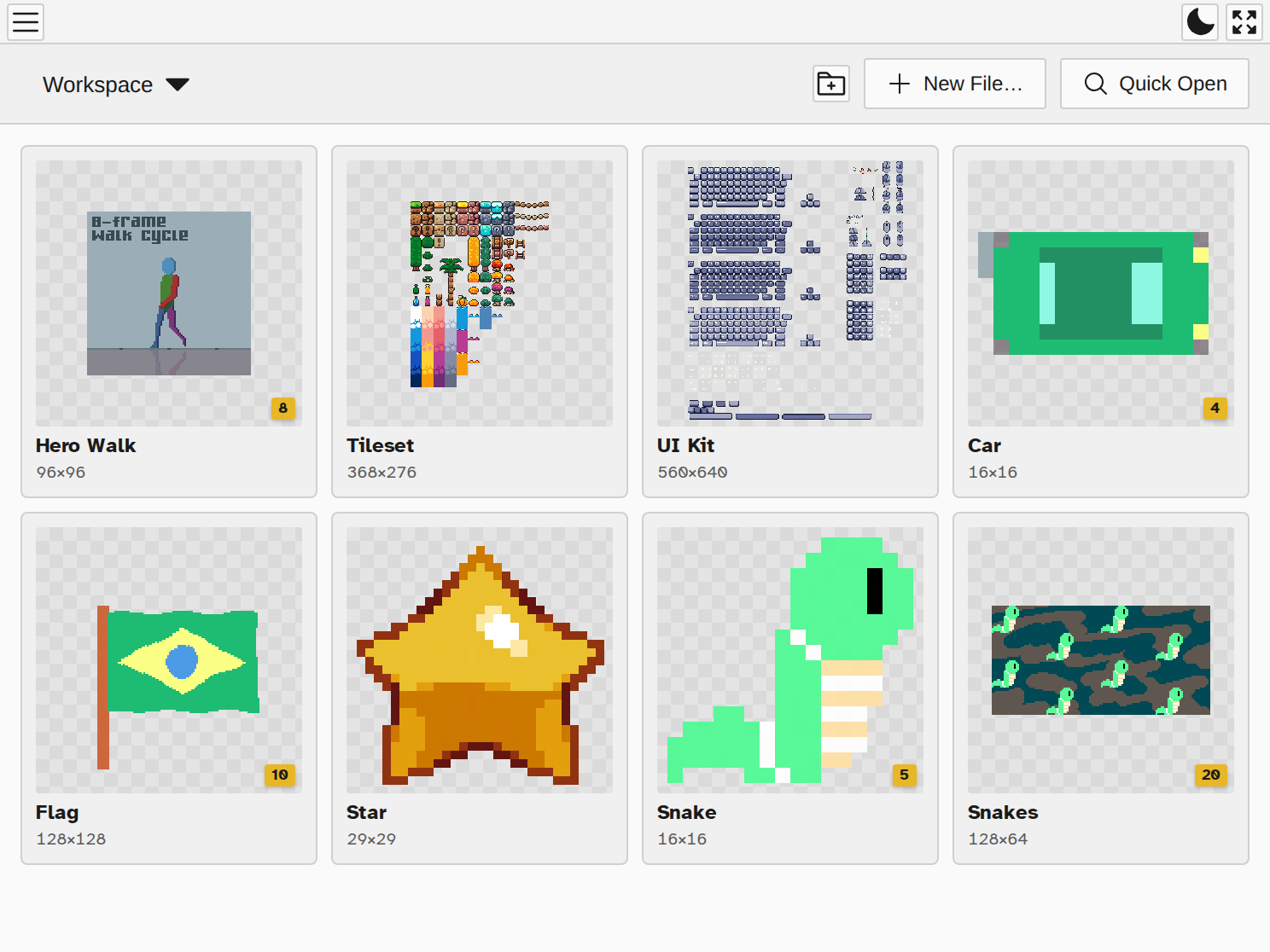
Looking for Aseprite online? This is it.
There is no official web version of Aseprite. Novaboard is the closest thing: a full pixel art editor and animator that opens .aseprite files in the browser on a Chromebook, iPad, Mac, or Linux machine, free.
A real animation workflow
Frame-by-frame animation with a timeline, layers, tweening, and live preview. Every sprite of a project sits in one workspace, so a walk cycle and the tiles it walks on are a click apart.
Export back to the formats you need
Round-trip to .aseprite, or export PNG, GIF, sprite sheets with JSON metadata, PSD, ORA, and even Godot 4 SpriteFrames resources. Your pipeline does not have to know you switched tools.
Is Aseprite free?
No. Aseprite costs $19.99 on Steam and itch.io, a fair one-time price for what it does. Its source code is public though, and if you are comfortable compiling software yourself, building your own copy is free and allowed. If you would rather just start drawing, Novaboard is free in your browser and opens .aseprite files as they are.
Free in the browser, desktop app if you want it
The web editor is free with no account, and your files stay on your device. If you prefer an offline app, the paid desktop version is a one-time purchase that supports development.