


Social Media
Pixel art built to share.
Export your pixel art at any scale, as GIFs or videos, optimized for Instagram, Twitter/X, and TikTok. No watermarks. No account. Just your art, exactly how it should look.
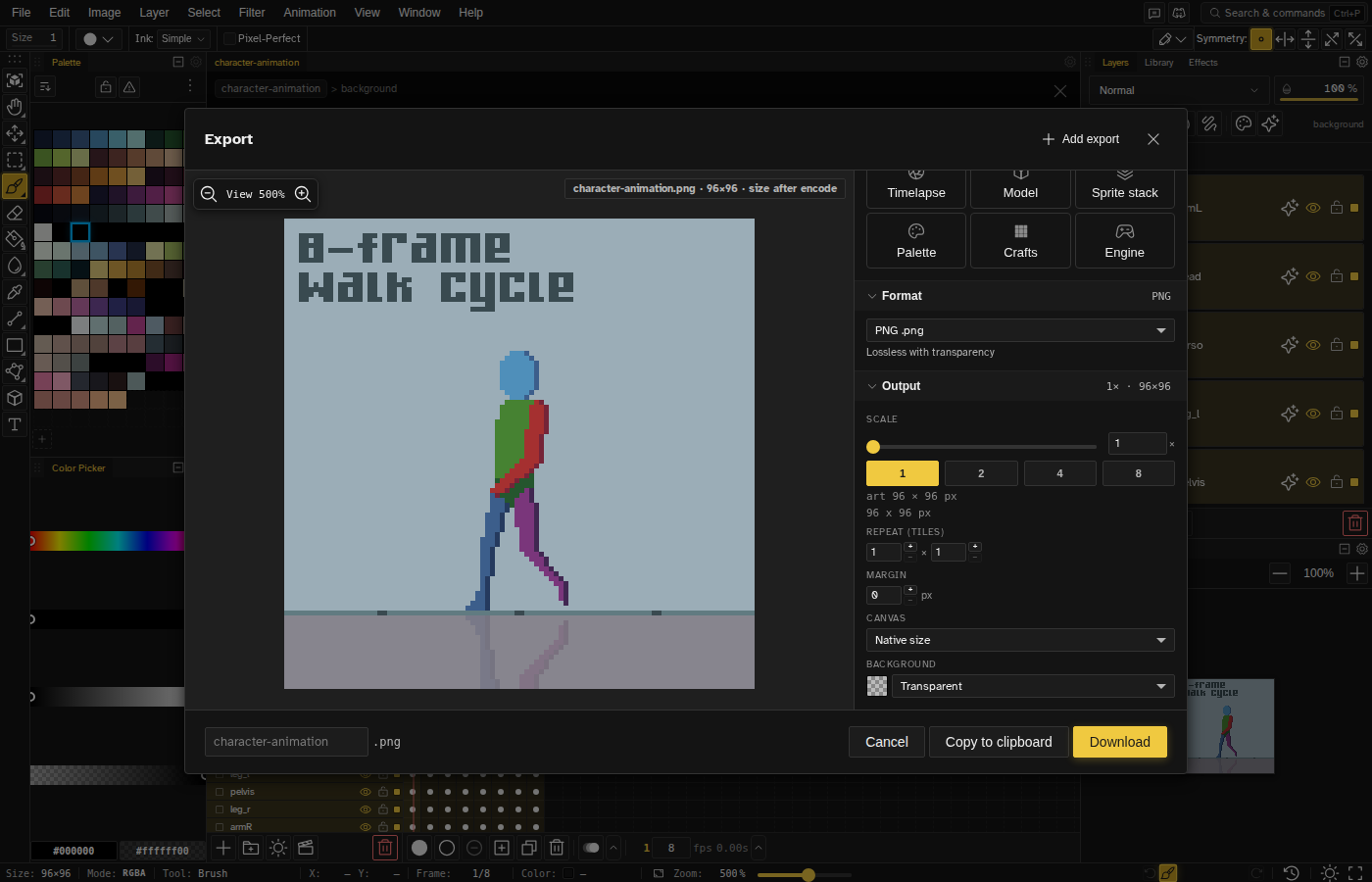
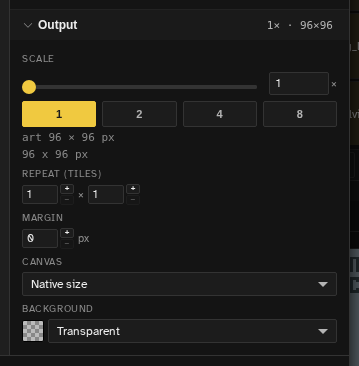
Scale to any resolution
Pixel art needs to stay sharp when upscaled. Export your 32×32 sprite at 8× to fill an Instagram square at 256×256, or go higher for a poster-sized post. Novaboard uses nearest-neighbor scaling so every pixel stays crisp.
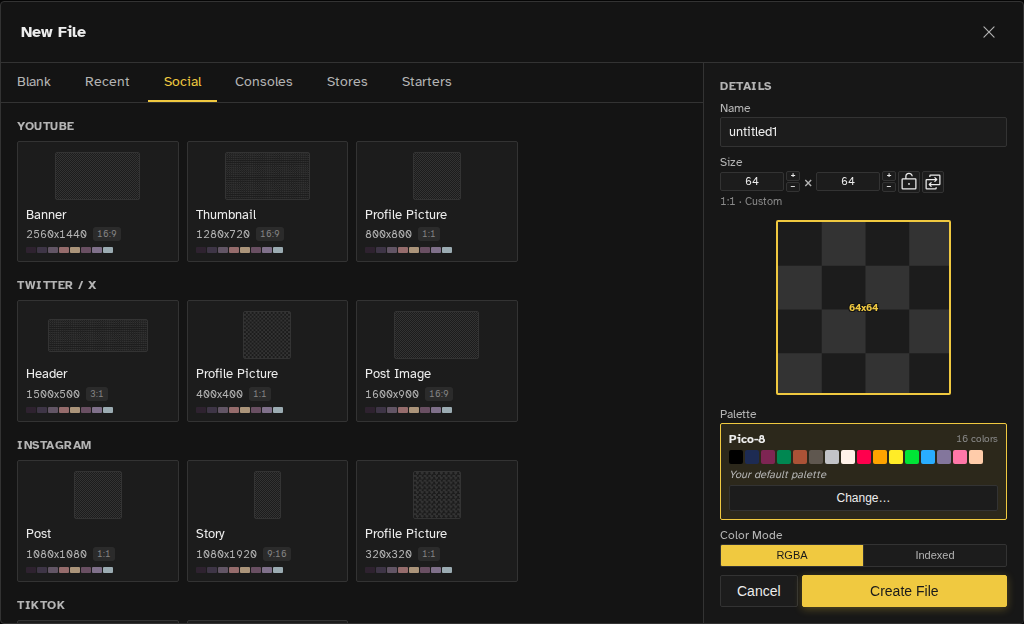
Start at the right size
Create your canvas from named social presets for Instagram posts and stories, YouTube thumbnails, Twitch emotes, TikTok, and more, so your art is born at the exact dimensions the platform expects.
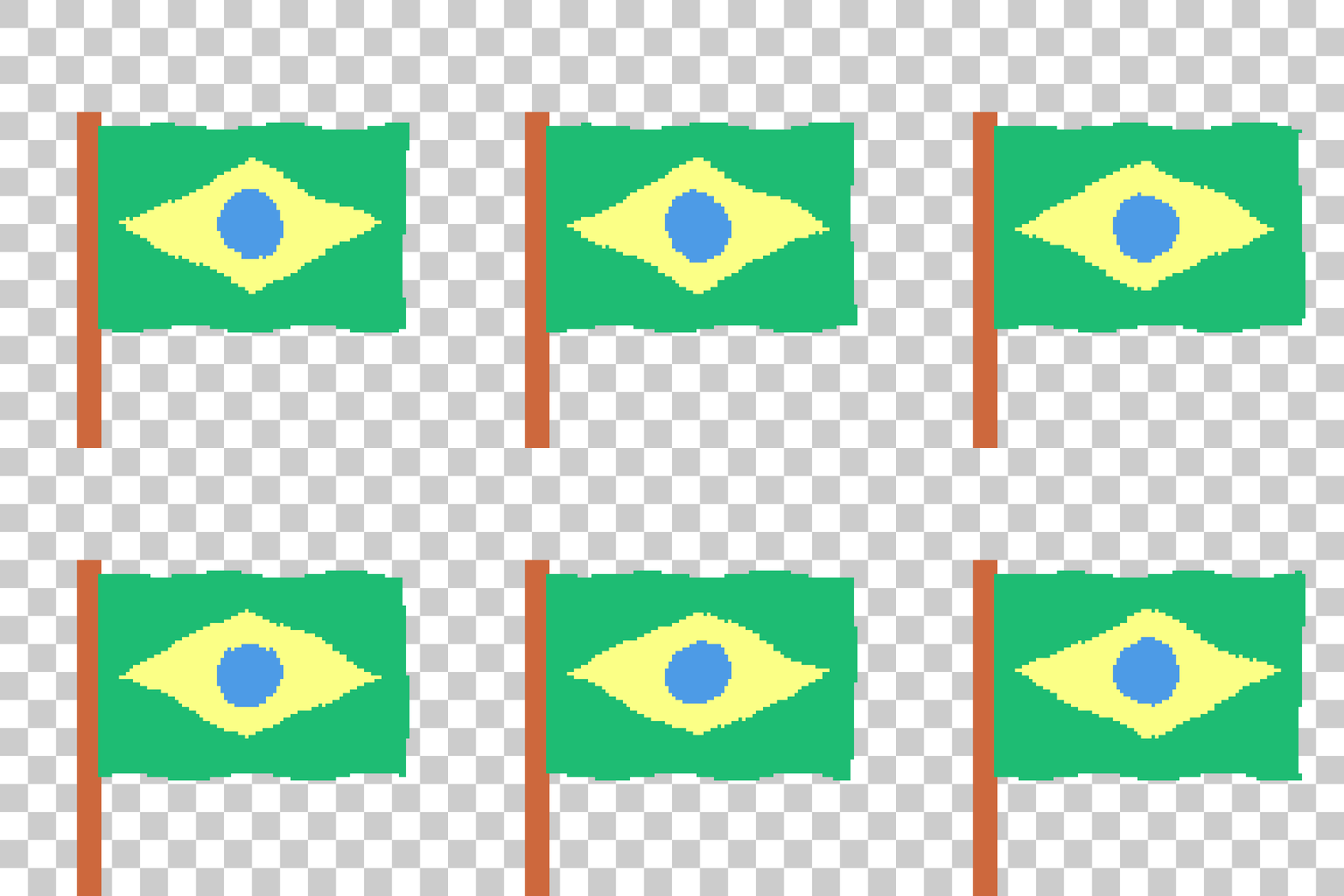
Animate and export as GIF or video
A looping animation reads in a glance while a feed scrolls past. Create one in Novaboard's timeline, then export it as a GIF for Twitter/X, an MP4 for Instagram Reels, or a WebM for Discord, all from the same project.
Every format the platform wants
Different platforms prefer different formats. Novaboard exports PNG, GIF, MP4, WebM, and APNG, the formats Instagram, Twitter/X, TikTok, and Discord accept. Batch-export at multiple sizes if you post on more than one platform.